@TOC
https://github.com/QInzhengk
一、新建仓库
对Github首页进行美化,需要新建一个仓库名和自己 Github 用户名相同的仓库;并且需要添加一个 README.md自述文件即可。 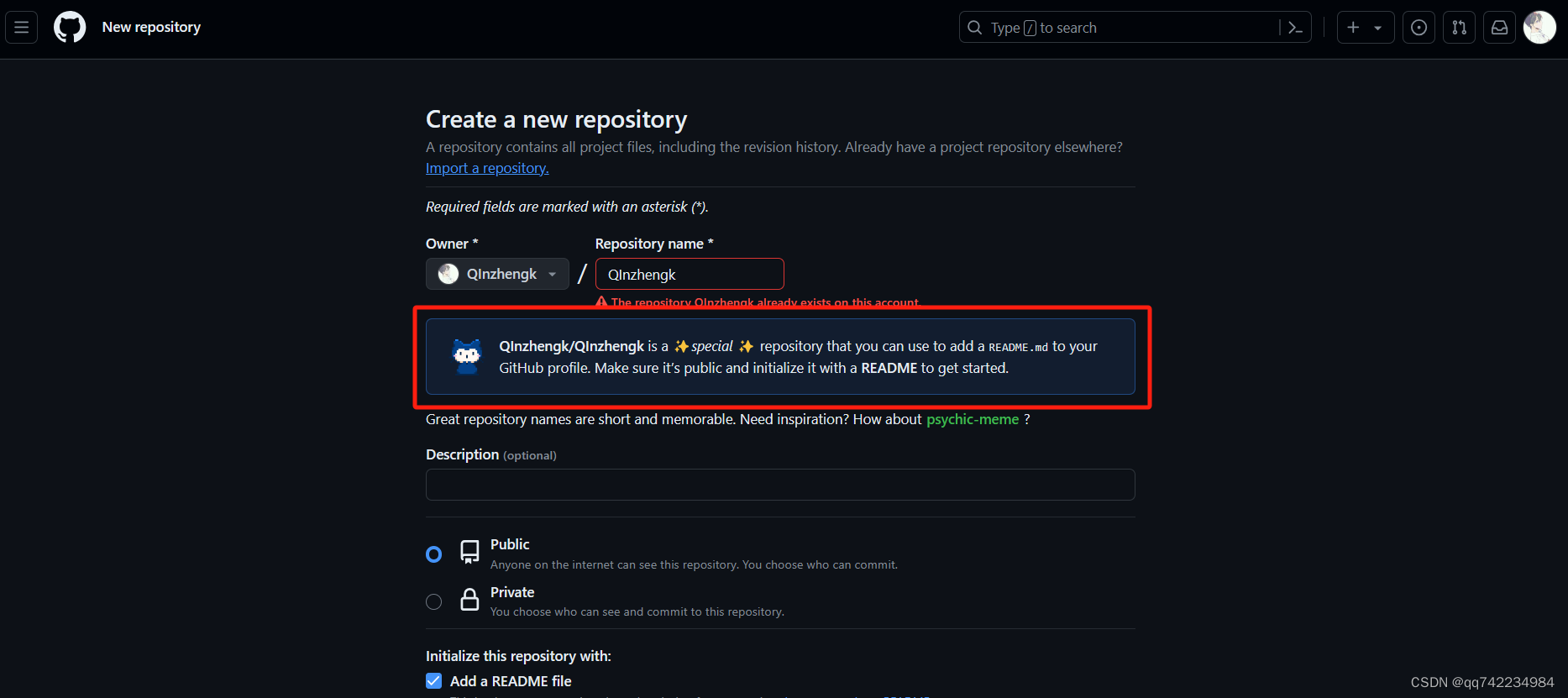 如果出现红框里的东西,说明成功了:QInzhengk/QInzhengk是一个✨特殊的✨存储库,您可以使用它来添加一个README.md到你的GitHub配置文件。确保它是公共的,并使用README来初始化它。
二、美化Github首页
编辑README.md,下述只需要把用户名换成自己的即可。。
主页访问量统计
python
<div align="center"> <img src="https://profile-counter.glitch.me/QInzhengk/count.svg" /> </div>仓库状态统计
python
<div align="center"> <img src="https://github-readme-stats.vercel.app/api?username=QInzhengk&show_icons=true&theme=transparent" /> </div>常用语言占比统计
python
<div align="center"> <img src="https://github-readme-stats.vercel.app/api/top-langs/?username=QInzhengk&layout=compact&theme=tokyonight" /> </div>社交链接
python
<div align="center">
<a href="https://qzkq.github.io"><img src="https://img.shields.io/badge/Website-博客-blue" /></a> 
<a href="https://qzkq.github.io/img/wechat_favicon.png"><img src="https://img.shields.io/badge/WeChat-微信-07c160" /></a> 
<a href="https://blog.csdn.net/qq_45832050?type=blog"><img src="https://img.shields.io/badge/CSDN-论坛-c32136" /></a> 
<a href="https://www.zhihu.com/people/qin-zheng-kai-89"><img src="https://img.shields.io/badge/Zhihu-知乎-blue" /></a> 
<!-- visitor statistics logo 访问量统计徽标 -->
<img src="https://komarev.com/ghpvc/?username=QInzhengk&label=Views&color=0e75b6&style=flat" alt="访问量统计" />
</div>界面展示
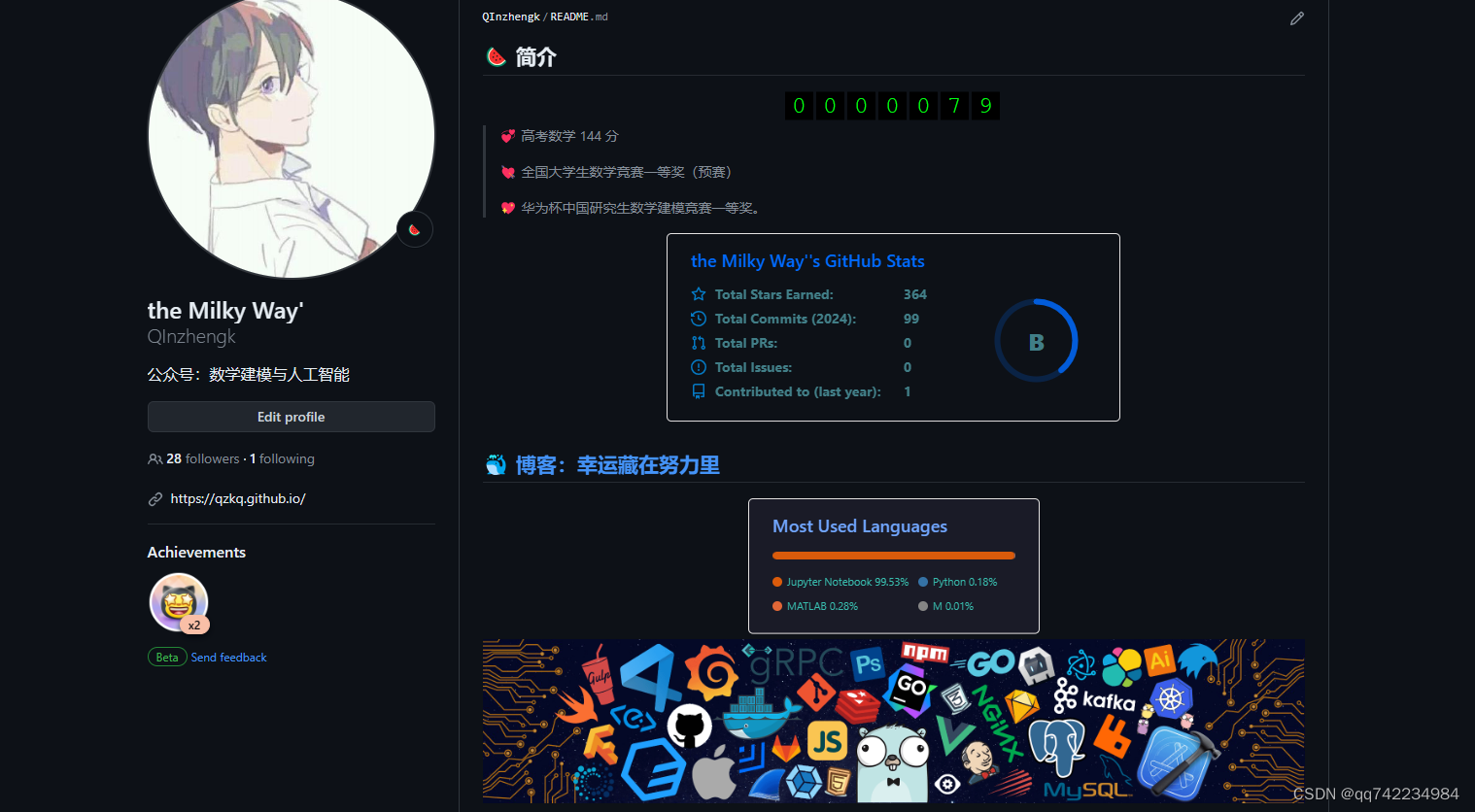
更加炫酷的美化方法可参考以下: 1.https://wakatime.com/plugins/status 2.https://github.com/anuraghazra/github-readme-stats 3.https://github.com/sun0225SUN